From Paper to Book
Today I’m catching up the Book to be up to date with the Paper. The goal is to make a widget which will display on the pages of the book, and to be able to interact with the widget by clicking on the book mesh. Here’s a checklist from the top of my head:
- get proper ratio for the widget
- adjust the UVs if needed
- create the widget
- add widget capture to the actor
- add interaction interface to the actor
- click and hover event handling
========
The Book now has a fully interactable Widget as a texture as well. Doing this for the Paper took me almost an entire week so I am glad that I managed to apply it to the Book in just a couple of hours. After all this is the main mechanism that I plan to use developing this game so there might be more of this in the future.
Looking at the performance I think it might need some optimization. At this point it is a screen capture capturing a Widget that barely changes in real time, creating a huge texture out of it (2048x1024) and applying it to this piece of paper. And doing that twice. For now.
When I get a bit further with the prototype I’m going to do the screen captures manually instead of real time and I’m going to look into making the widget/capture/texture smaller to find a balance between image quality and performance. There also might be other factors that I am currently unfamiliar with that might help.
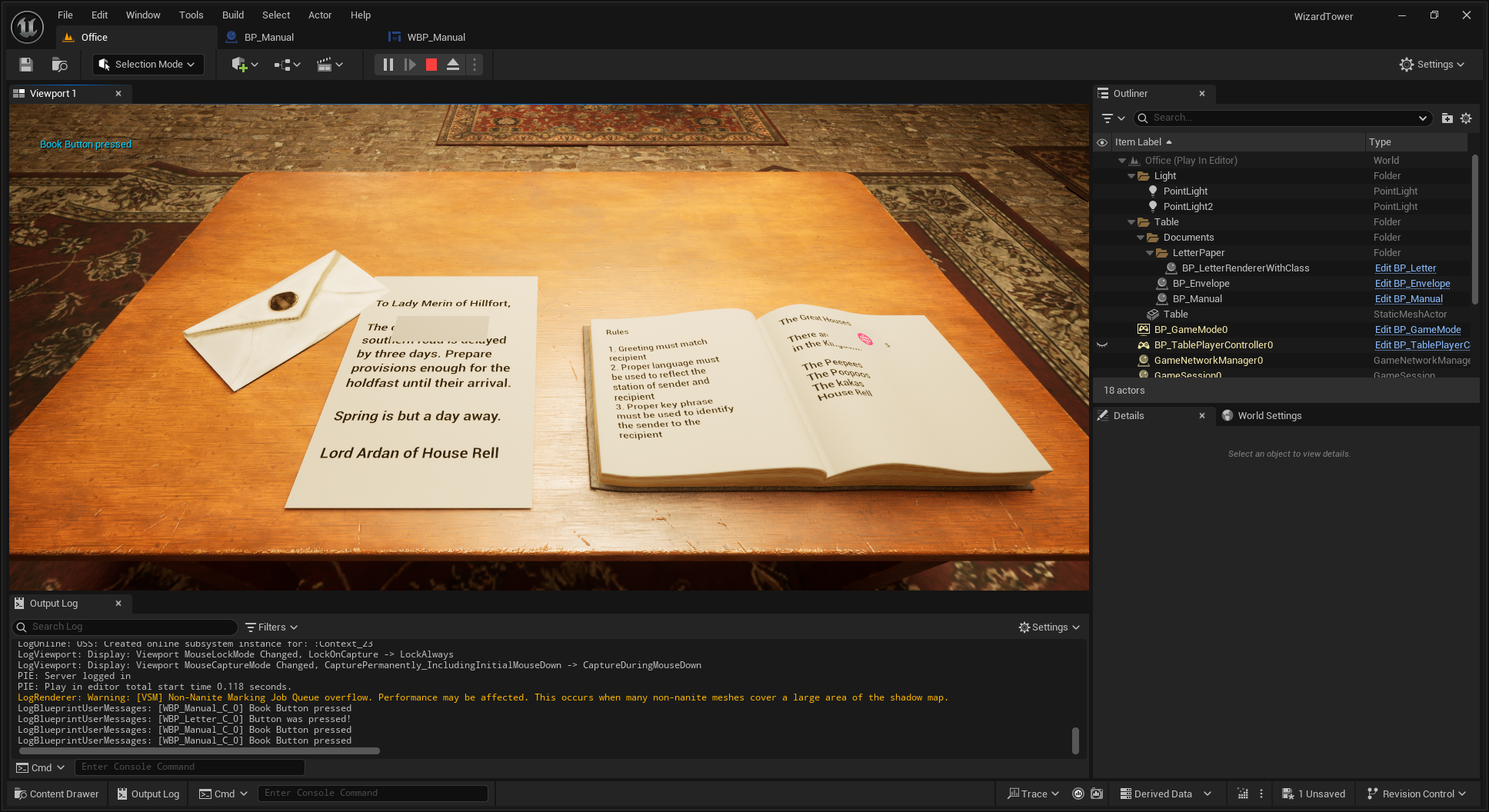
I’m gonna skip the envelope for now and only do it if I have time left. The next step is going to be doing the actual content and controls on these two widgets. Actual content for the instructions book and page flipping. And some kind of generator for the letters.
Leave a comment
Log in with itch.io to leave a comment.